
Personal project, open source
Product Manager and UX Designer- Built with AI coding assistance from Claude.
<1 Week
Google MediaPipe Face Landmarker (on-device), Three.js, JavaScript, Vite, GitHub Actions and GitHub Pages
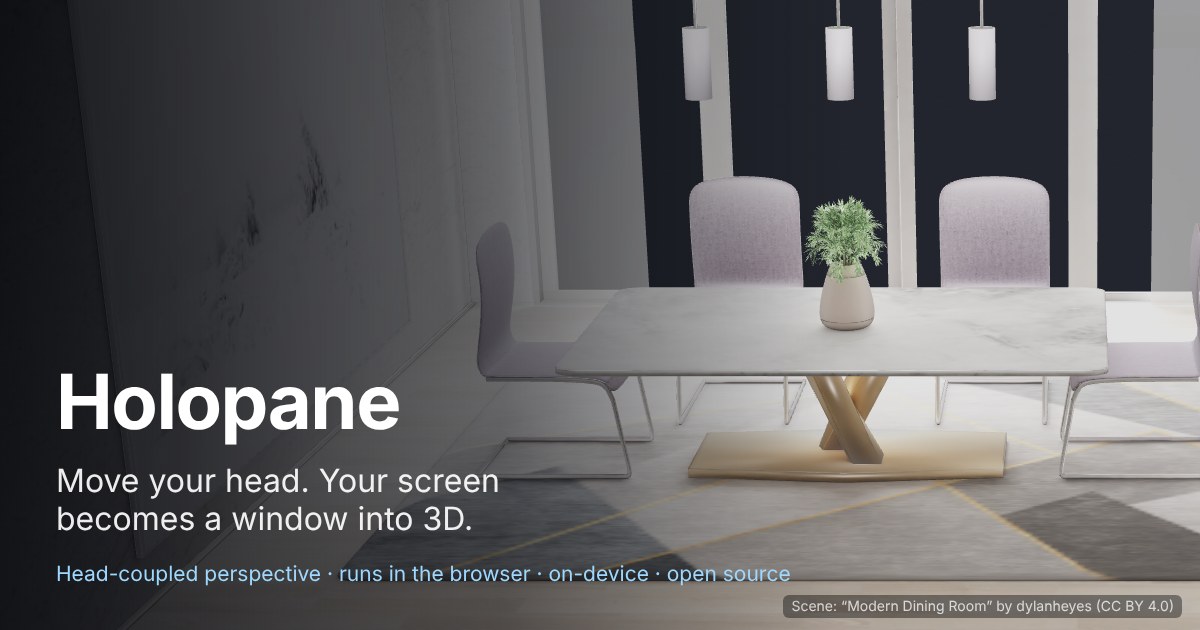
Holopane uses a laptop or phone’s front camera to find where your eyes are, then redraws a 3D scene from exactly that viewpoint. Move your head and objects seem to sit behind the glass or float in front of it, like looking through a window.
It runs in the browser on laptops, desktops, iPhone and Android, with no app, extra hardware, backend or API keys. It’s also a reusable library: developers can add it to their own Three.js scene, or any WebGL engine, in a few lines of code.
Head-tracking based perspective has been around since Johnny Lee’s 2007 Wii Remote Demo, but it stayed a tech demo because it needed specialized hardware.
I wanted to see whether on-device AI head tracking in an ordinary browser could make the effect something anyone can use on any screen, with no extra hardware/wearables, and enable developers to easily drop it into their own projects.
Per-frame tracking
Less shimmer in simulation
Idea to release
On-device AI makes spatial experiences possible on screens people already own. The same eye-position tracking applies to 3D product viewers, games, video calls and AR/XR prototyping.
Inspired by Johnny Lee’s 2007 head-tracking demo. Projection math after Robert Kooima. Demo scenes: “Modern Dining Room” by dylanheyes and “Whale of the veil” by artikora, both CC BY 4.0 via Sketchfab.
Senior Product Manager based in Southern California, building AI-powered products people love to use.